Your Monday bulletin, already drafted.
NextSunday reads your church calendar, writes the week’s bulletin, and waits for your team to approve it.
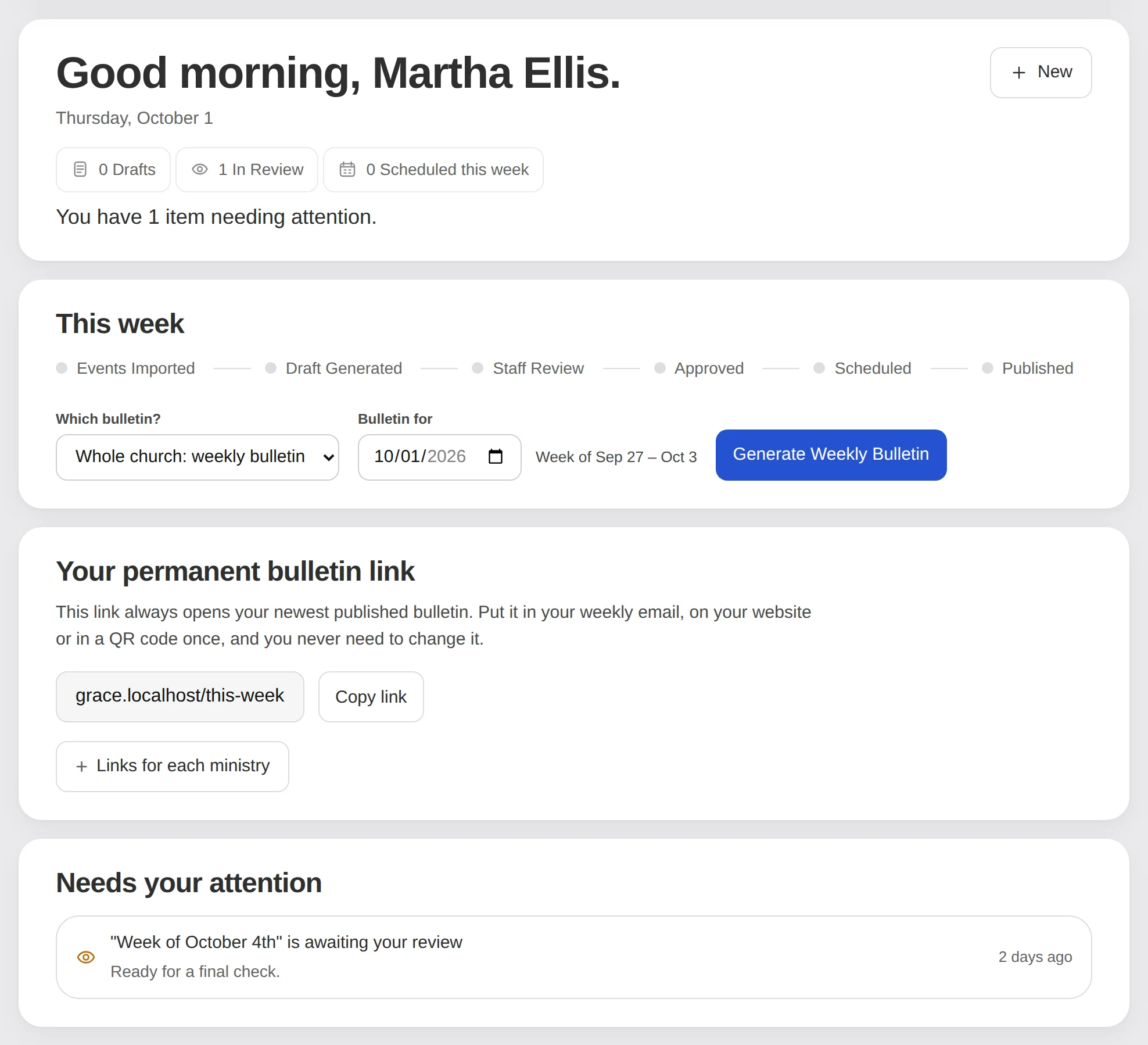
It runs on your church’s week.
Every detail in the bulletin is already in your calendar. NextSunday picks it up on Monday and stops touching it on Thursday.
Monday
The draft is ready.
Early Monday the week’s events come in from your calendar and the bulletin is written. Your team gets an email.
Tuesday
You look it over.
Fix what the draft points out, add anything personal, and approve it.
Wednesday
A last check.
Calendars are read again. Anything that moved since Monday is flagged, and a preview goes out.
Thursday and Friday
Nothing moves.
No syncing and no rewriting. What you approved stays exactly as it is.
Saturday
It goes live.
Early Saturday the approved bulletin publishes. If nobody approved it, nothing goes out.
Sunday
Your church reads it.
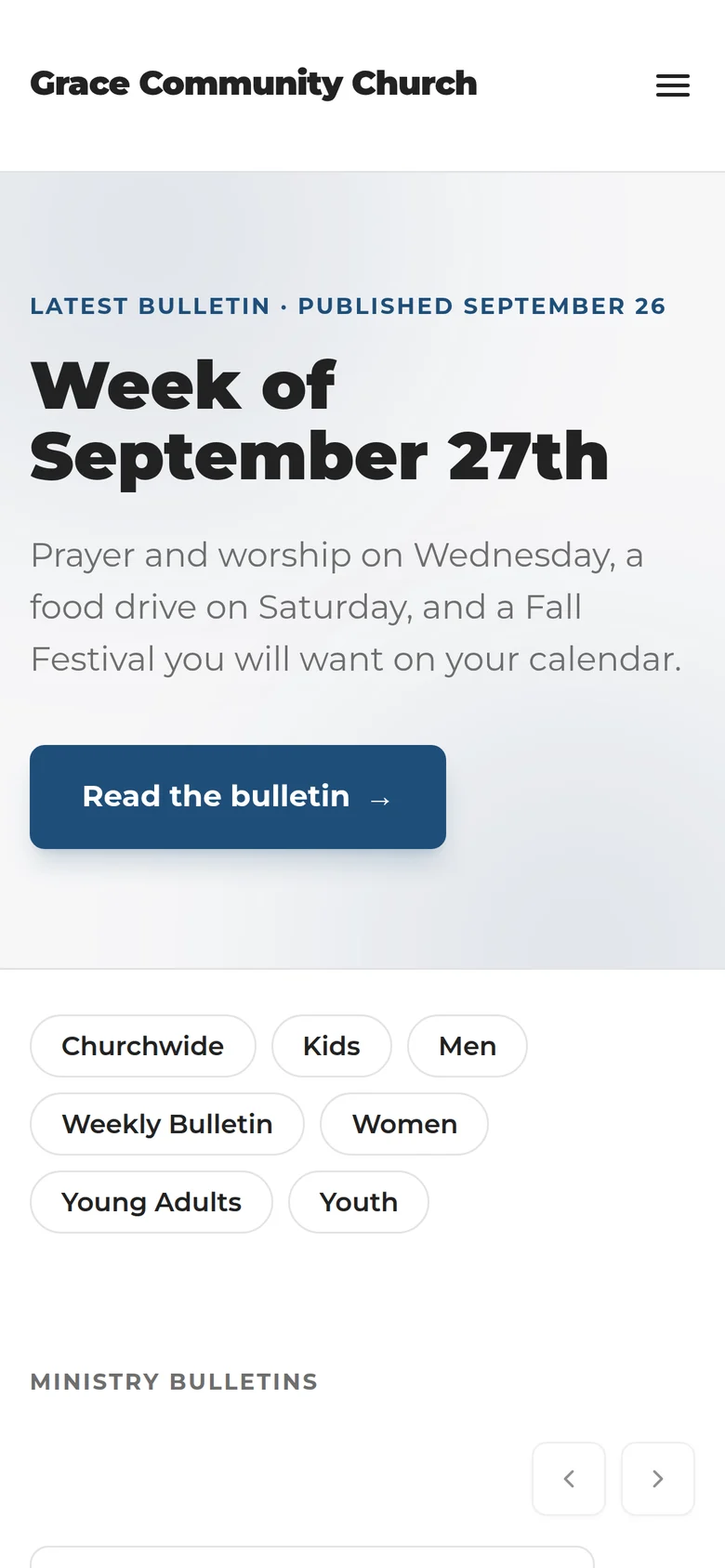
On a phone in the lobby, or at the same link as every other week.
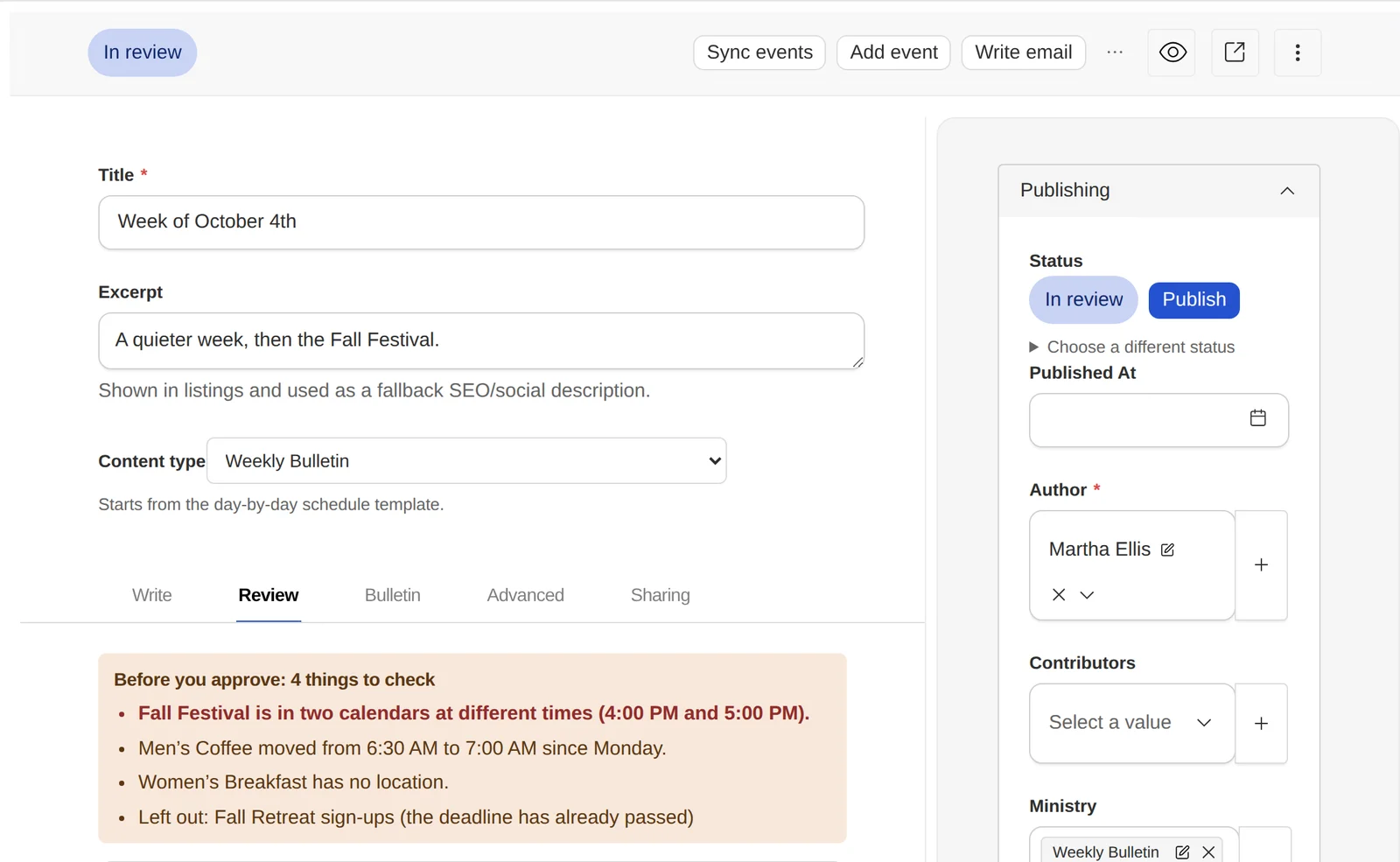
You check what it flags, not the whole page.
The draft tells you what it isn’t sure about: a missing room, a time that changed, an event in two calendars, a deadline that has passed.
Nothing goes live until someone on your team presses Publish.
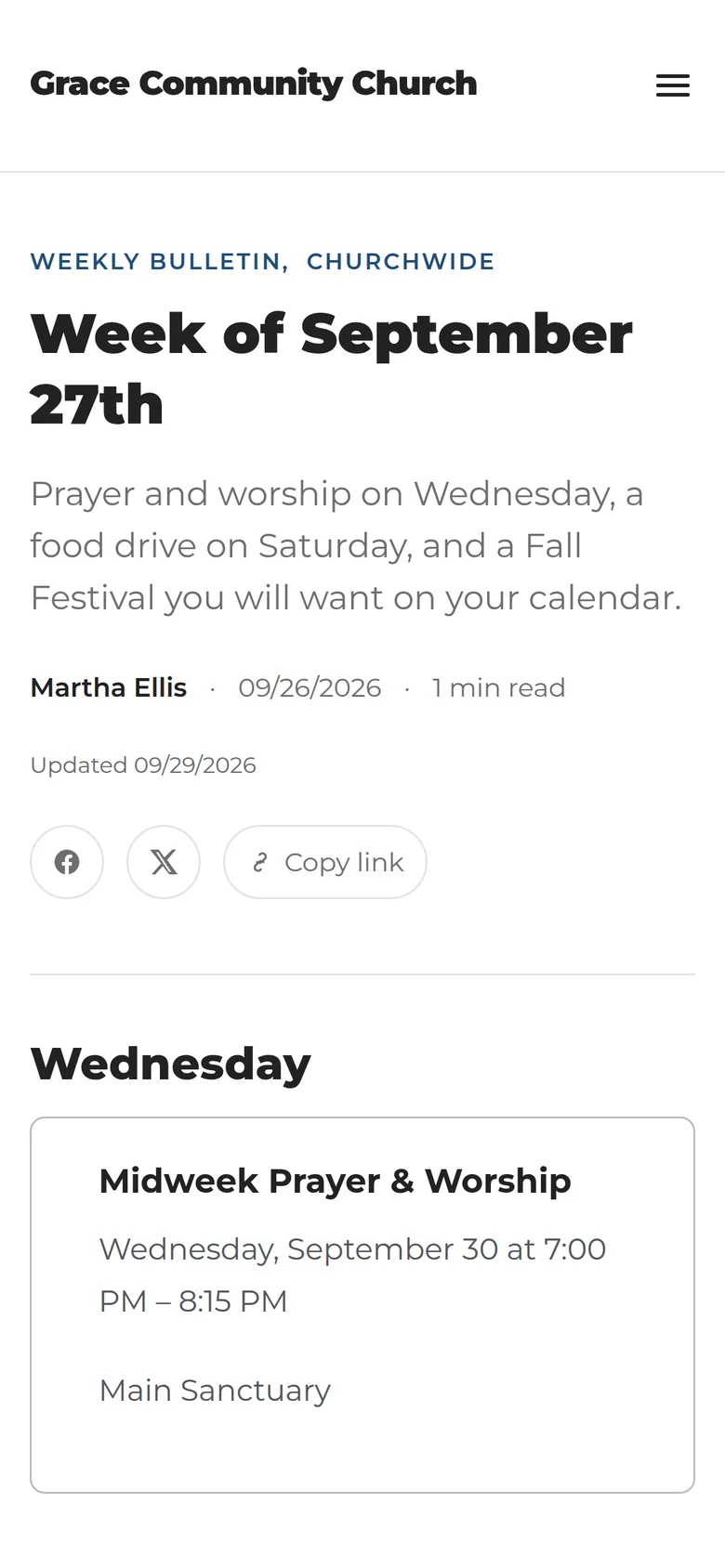
Your church gets a bulletin they can find again.
Every week has its own page, every ministry has its own page, and last week is still there next month. It uses your church’s name, colours and logo.
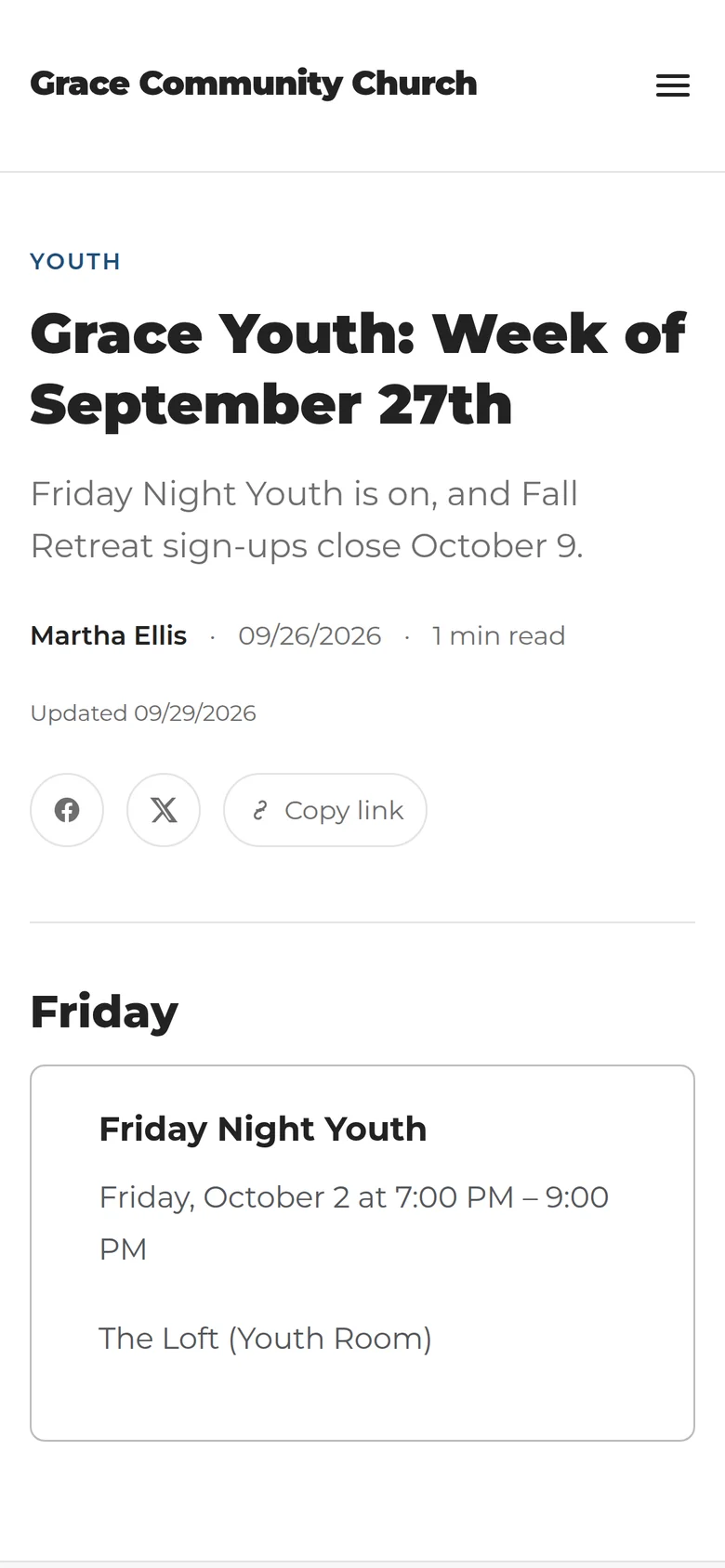
Victory Church in Raleigh publishes with NextSunday every week. See their bulletin
The screens above are from a sample church. It’s a bulletin site, and your main church website stays as it is.
Two plans. Both start free.
Try either one for 14 days with no credit card. Paying yearly saves 5%.
Basic
For churches that need one reliable weekly bulletin.
What’s included:
- Automated weekly bulletin
- Calendar imports
- AI-assisted draft
- Review and approval workflow
- Up to 3 team members
- One ministry bulletin
- A bulletin web address (yourchurch.nextsunday.app)
Pro
For churches coordinating communication across ministries.
Everything in Basic, plus:
- Unlimited team members
- A separate bulletin for every ministry
- Connect your own domain
Works with Subsplash, any ICS or RSS calendar feed, SnapPages, a PDF you already made, or text you paste in.
Questions churches ask first
Will AI publish something without us reviewing it?
Not unless you tell it to. A draft is generated, but by default it waits in review and only publishes once a person on your team approves it. If nobody does, it simply doesn’t go out. Churches that would rather have Saturday publish on its own can switch that on in Settings.
Do we have to replace our church website?
No. This produces a dedicated bulletin site: the week’s bulletin, your ministry pages, and a searchable archive. Your main church website stays exactly where it is, and you can link to the bulletin from it.
Can we use the calendar we already have?
That’s the intended way to use it. You can connect Subsplash, an ICS feed, an RSS feed, or a SnapPages calendar. You can also upload a PDF or paste event text and let the system structure it.
Can several staff members review the bulletin?
Yes. You invite people by email, give them a role, and optionally restrict them to specific ministries. Review comments are threaded on the post itself.
Can each ministry have its own bulletin?
On Pro, yes: a separate bulletin for every ministry. Basic includes one.
Can it send our church email newsletter?
No, it doesn’t send email to your congregation. It can write that email for you from the week’s bulletin, and you copy it into the email tool you already use.